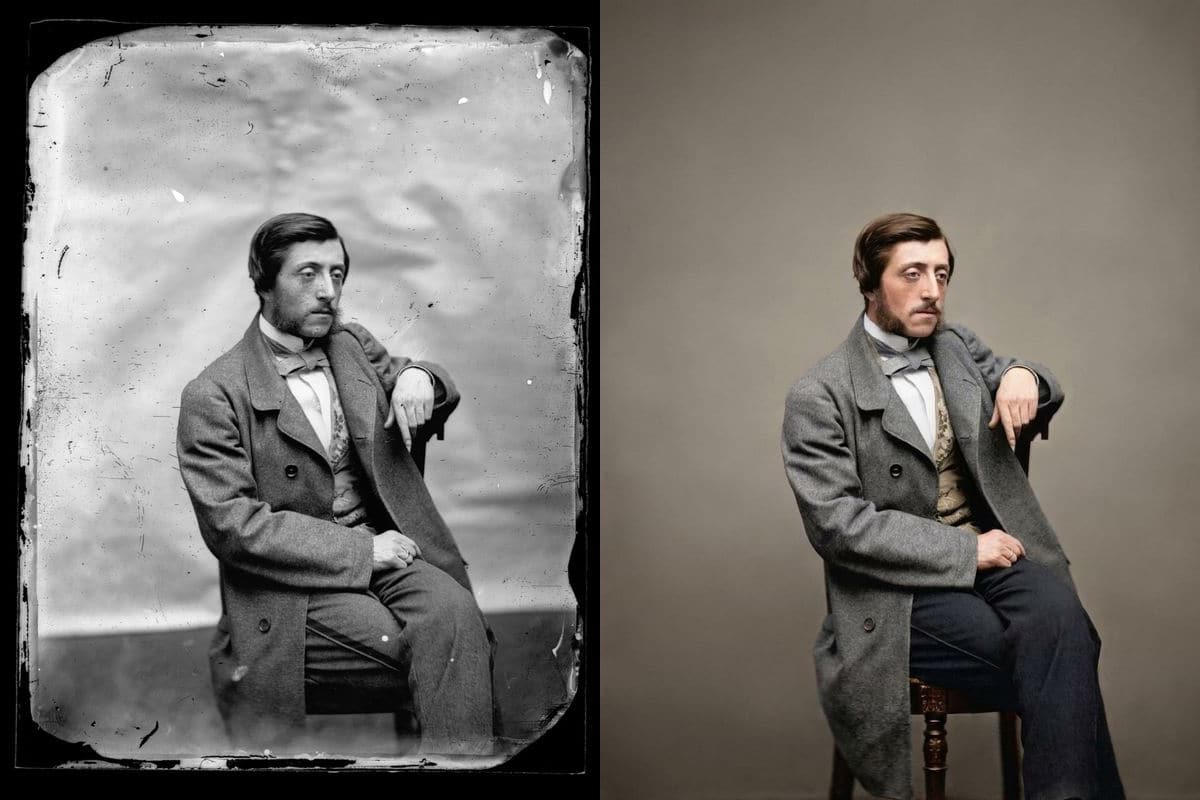
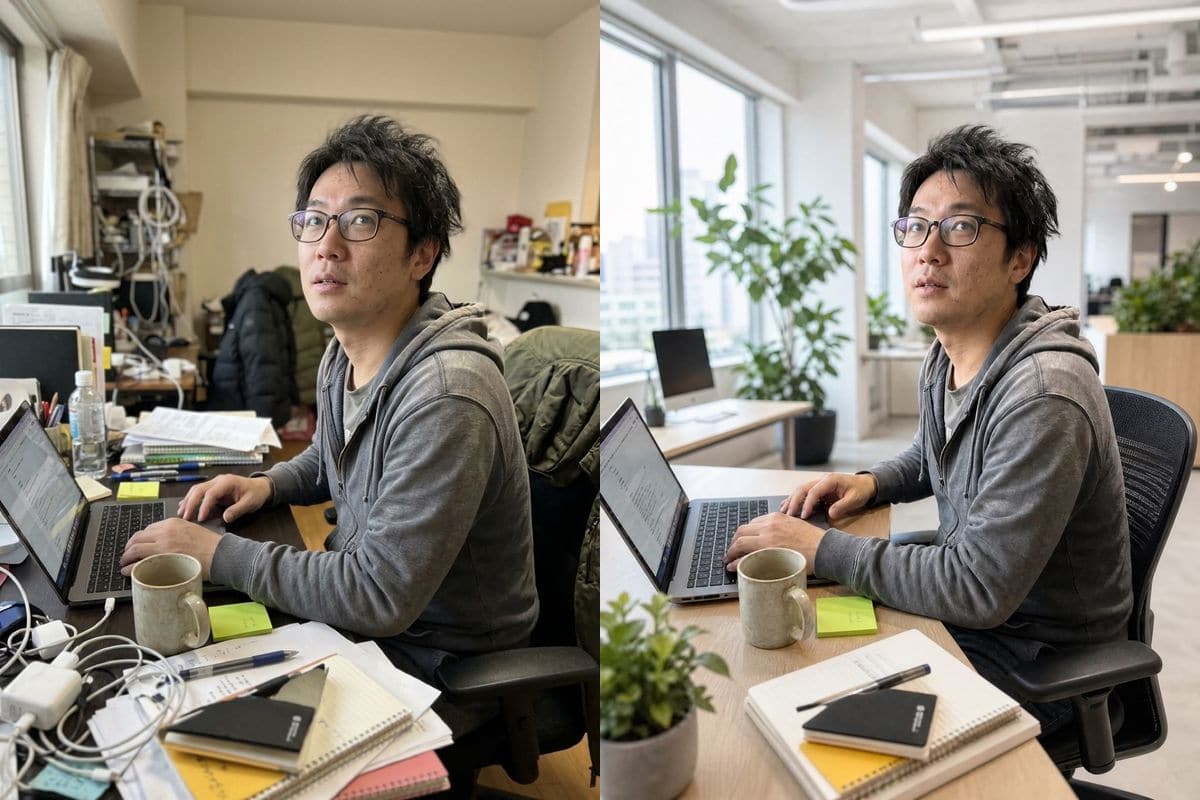
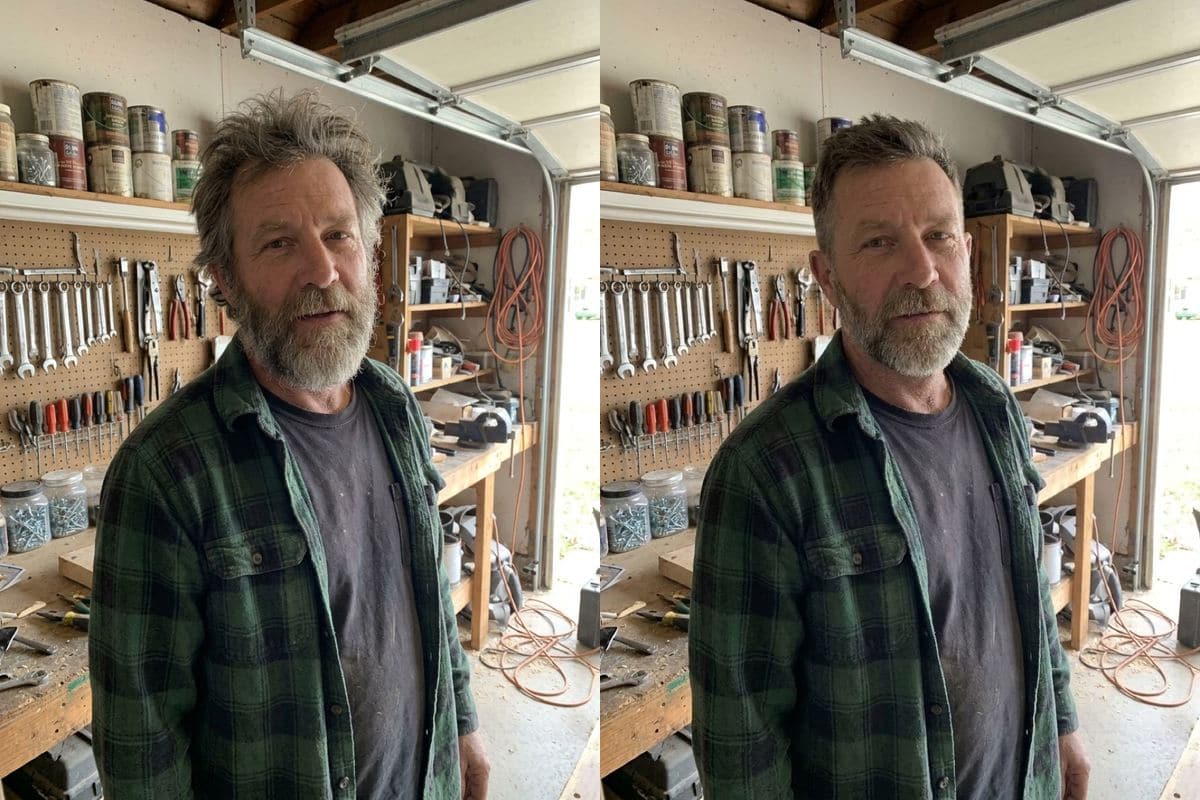

AI image editor for any photo

Upload up to 5 photos, type what to change and get the result in about 30 seconds. Nano Banana, GPT Image and Seedream in one editor, from 5 credits an image.

5 free credits when you sign up. Failed images cost nothing.

A man in a T-shirt in a living room next to the same man in a navy blazer on a dark backdrop, edited with Nano Banana 2.1OriginalNano Banana 2.1
No photo? Try one:

Failed generations are refunded.

How an AI image editor works

Edit with words

Say what to change; leave the rest alone

There are no brushes or layers. You upload a photo and write the change as a sentence, the way you would brief a retoucher. The model redraws the picture and keeps what you told it to keep. The wording that worked best in our tests names the change and then says what must not change.

PromptPut him in a navy blue blazer with a white shirt, studio headshot lighting. Keep his face unchanged.
  • Name what must not change
  • Add "keep the same framing" if the crop matters
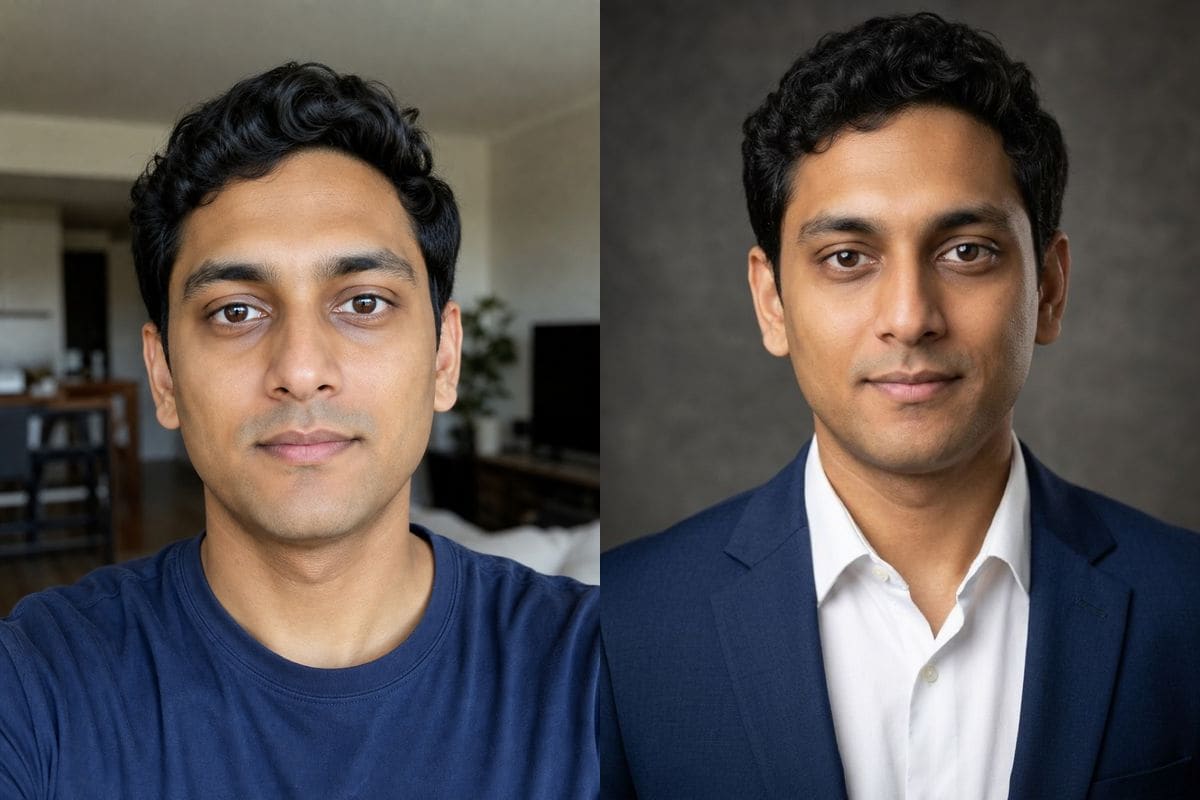
A man in a T-shirt in a living room next to the same man in a navy blazer on a dark backdrop, edited with Nano Banana 2.1OriginalNano Banana 2.1
Pick a model

Different models for different jobs

The editor runs several image models, and they are not interchangeable. In our tests Seedream 5.0 Pro kept a headshot closest to the original, Nano Banana 2.1 and Pro kept a person recognisable through a heavy style change, and the GPT Image models drew the best lettering. Switch model from the picker and the credit cost updates before you press the button.

  • Nano Banana 2.1: 5 credits
  • Seedream 5.0 Lite: 5 credits
  • Premium models: 8 to 10 credits at 1K
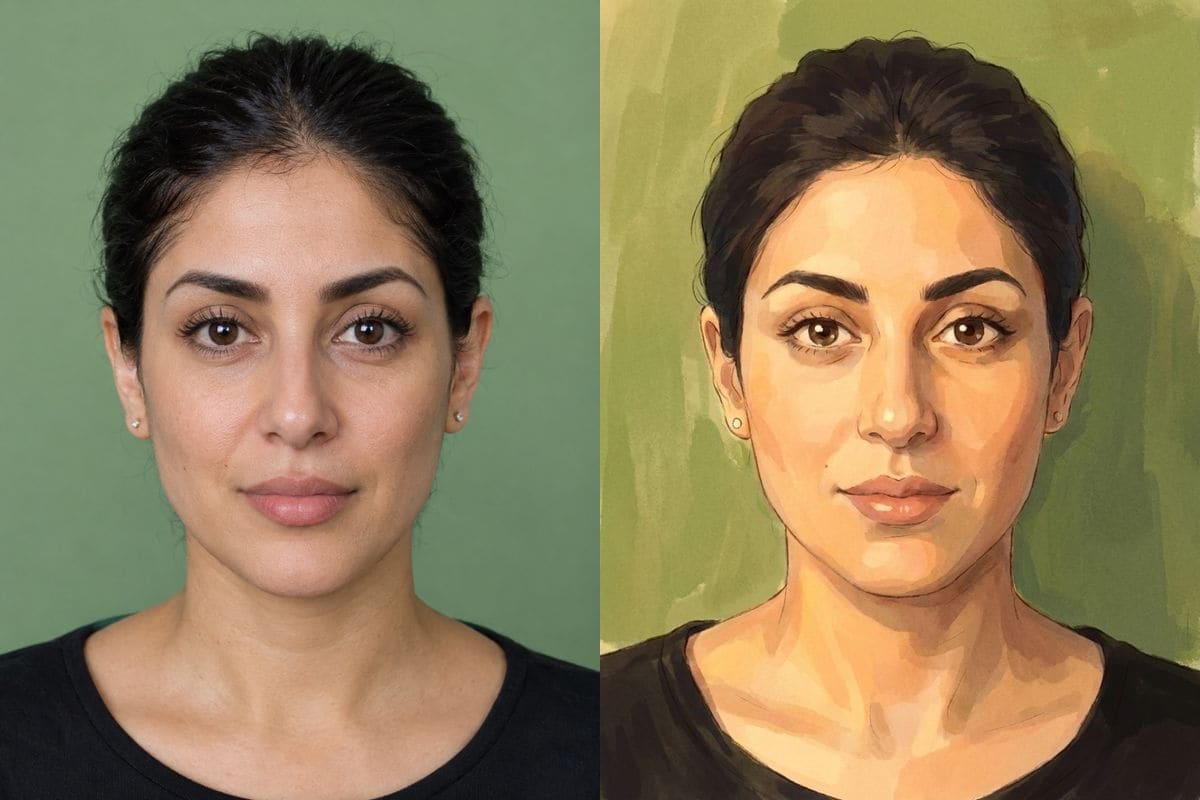
A woman on a green wall next to a painted portrait of her made with Nano Banana ProOriginalNano Banana Pro

What to ask an AI image editor for

  • Swap the background

    Put a person on a beach, in an office or against a plain studio backdrop. Tell the model to keep the face, clothes and lighting the same.

  • Change clothes or hair

    Try a blazer for a profile photo or a different hairstyle. Describe the garment's colour and cut, and ask it to keep the face unchanged.

  • Restyle a portrait

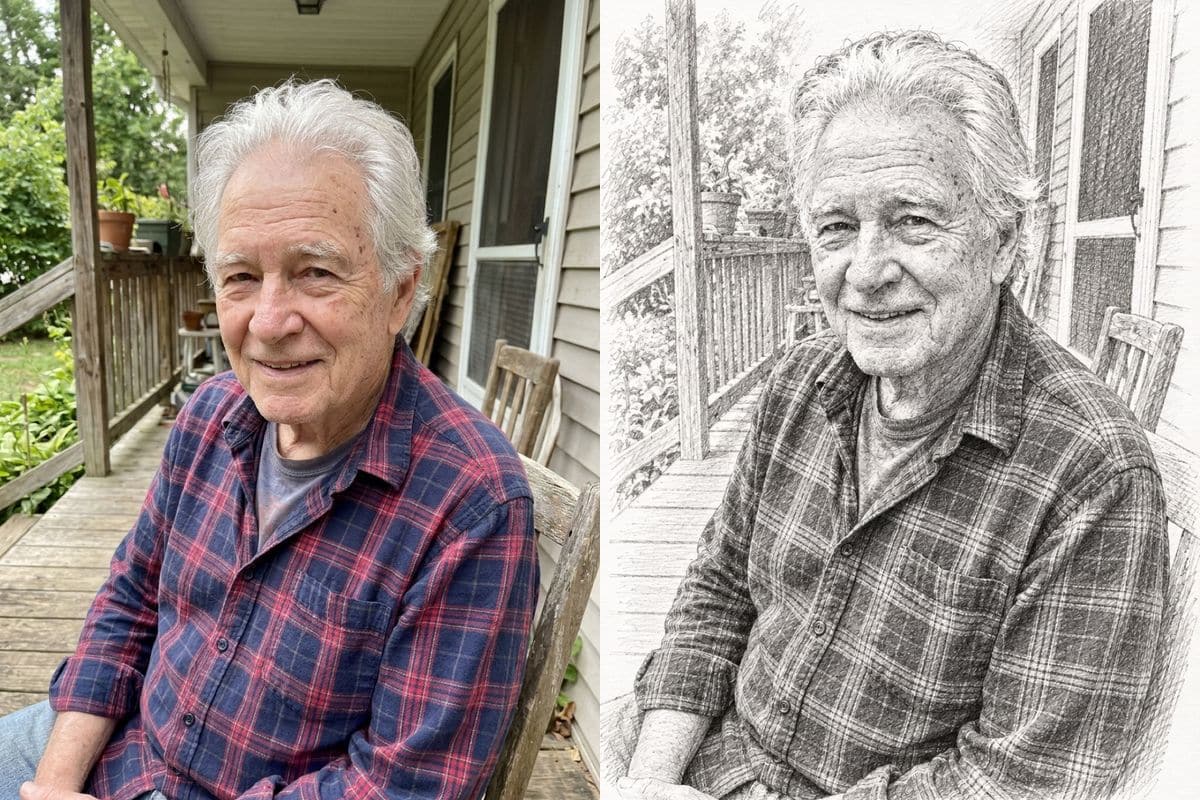
    Watercolor, anime, Studio Ghibli, oil painting or pencil sketch. Style changes are where models differ most, so try two.

  • Remove or add something

    Describe the object to remove or the thing to add, and where it goes. Check the result closely; run it again on Nano Banana Pro if a trace is left.

  • Create from text

    Skip the photo and describe a picture. Add words in quotes to put lettering in the image; the GPT Image models set it best.

  • Combine photos

    Upload up to 5 photos, for example a person and a place, and say how they should come together in one picture.

How to use AI Photo Editor

Three steps, no install.

  1. Add a photo, or skip it

    Upload up to 5 photos to edit them with AI Photo Editor, or leave the tray empty to create an image from text.

  2. Say what you want

    Type the change in plain words. AI Photo Editor is already selected; the credit cost shows next to the button before you start.

  3. Download or keep editing

    The result appears under the tool and stays in My images for 30 days. Download it, or send it back in as the next photo.

Which model should you use?

Same prompts, same portraits, measured on 2 November 2026.

ModelCredits at 1KSecondsGood at
Nano Banana 2.1520 to 39Everyday edits; keeps a likeness through a style change
Nano Banana 2819 to 24Speed; 16:9 and 21:9
Nano Banana Pro1030 to 36Faithful faces; 4K
GPT Image 2858 to 65Lettering in a script; bold colour
GPT Image 2.5836 to 64Lettering; nine aspect ratios
Seedream 5.0 Pro8 (12 at high)29 to 93Headshots closest to the original
Seedream 5.0 Lite537 to 48Cheap drafts, any quality
Grok Imagine516 to 29Fast, photographic scenes
Z-Image Turbo113 to 19Cheapest text-to-image drafts (no photos)

Seconds are wall-clock from pressing Generate to the finished image, over one to six runs per model; they vary with load. Credits are what this editor charges.

How to choose

Start with Nano Banana 2.1: 5 credits, kept faces well on every edit. If the result is close but not right, change the prompt before you change the model.

Move to Seedream 5.0 Pro when a face must stay exactly as it is, Nano Banana Pro for the most faithful likeness through a big style change, a GPT Image model when the picture has words in it, and Nano Banana 2 for 16:9 or 21:9. Grok Imagine is a quick photographic first pass, and Z-Image Turbo a 1-credit text-to-image draft.

Most models offer 1K, 2K and 4K. Nano Banana Pro charges the same 10 credits at 1K and 2K, so choose 2K for a final image.

AI Photo Editor pricing

A standard edit costs 5 credits; larger sizes and premium models cost 8 to 15. Buy a pack once and use it whenever you like. Bigger packs bring the price of a standard edit down from $0.17 to $0.12.

Starter

Try it out

$4.99one-time

30images

$0.17 per imageBase price

150 credits

Basic

Around 70 images

$9.99one-time

70images

$0.14 per imageSave 14%

350 credits

Plus

Around 150 images

$19.99one-time

150images

$0.13 per imageSave 20%

750 credits

Studio

For daily creators

$69.99one-time

600images

$0.12 per imageSave 30%

3,000 credits

Secure one-time checkout through Stripe. Buying a pack only adds credits to your account. USD prices. Review the final amount and any applicable tax at checkout before paying. Credits do not automatically renew, and unused credits can be refunded within 7 days of purchase. The credit cost shows before each image; finished results need no second payment to view or download.

AI image editor questions

What is an AI image editor?

An AI image editor changes a photo from a written instruction instead of manual tools. You describe the edit, a model redraws the picture, and you download the result.

Is the AI image editor free?

New accounts get 5 free credits, enough for one edit with Nano Banana 2.1. After that, credits come in one-time packs from $4.99. They never expire and there is no subscription.

How long does an edit take?

Between 20 and 65 seconds in our tests, depending on the model: Nano Banana 2 about 20, Nano Banana 2.1 and Pro about 30, GPT Image about a minute.

Will the AI change my face?

Usually it keeps the face when you ask it to. Across our tests Seedream 5.0 Pro kept a headshot closest to the original; heavy style changes such as anime can alter a face, and Nano Banana 2.1 and Pro handled that best.

Which photo formats can I upload?

JPEG, PNG and WebP, up to 20 MB each and up to 5 photos per image.

What happens to my photos?

Uploaded photos are checked, then deleted about a day after upload. Results are kept in My images for 30 days, and you can download them at any time.

What does an image cost?

5 credits for a standard edit on Nano Banana 2.1 or Seedream 5.0 Lite, 8 to 10 on the premium models at 1K and up to 15 at 4K. The cost shows before you start.

What if an edit fails?

A failed image costs nothing: the credits are returned.

Try the AI image editor on your own photo

New accounts start with free credits. Failed images cost nothing.