

Every photo editing tool and AI image model in AI Photo Editor, grouped by what you want to do. Every tool shares one credit balance: new accounts start with 5 free credits, one-time packs start at $4.99, and failed edits cost nothing.
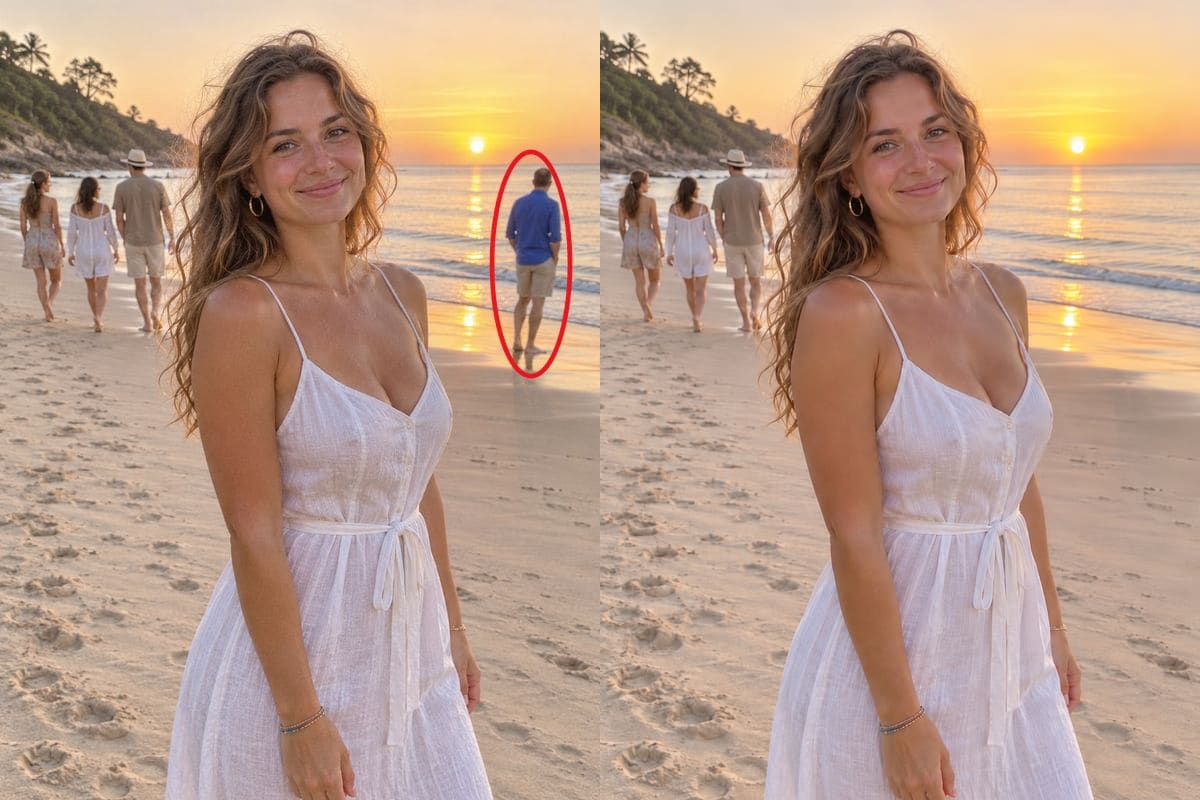 Remove person from photoCircle a person in a photo, or say who to remove, and the background is filled in behind them while everyone and everything else stays, 5 credits a photo.
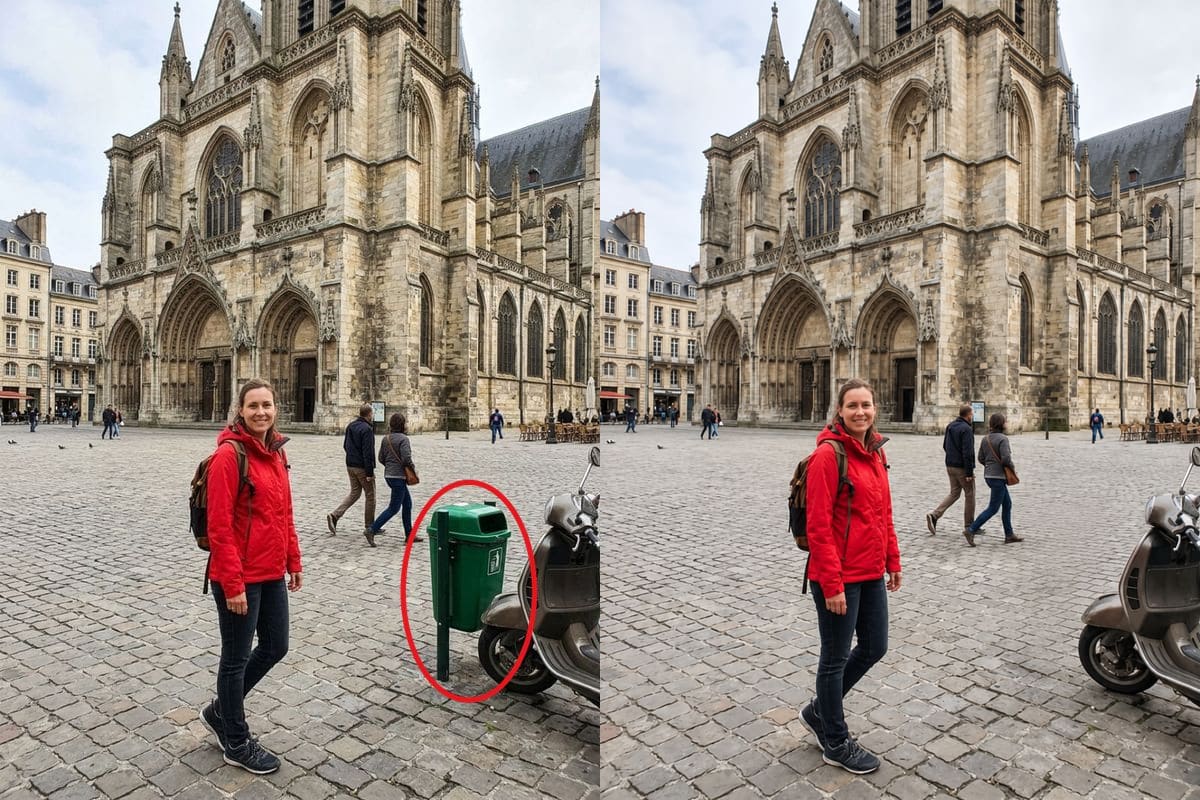 Remove object from photoCircle a bin, a cable, a sign or clutter in a photo and it is removed with the background rebuilt, 5 credits a photo.
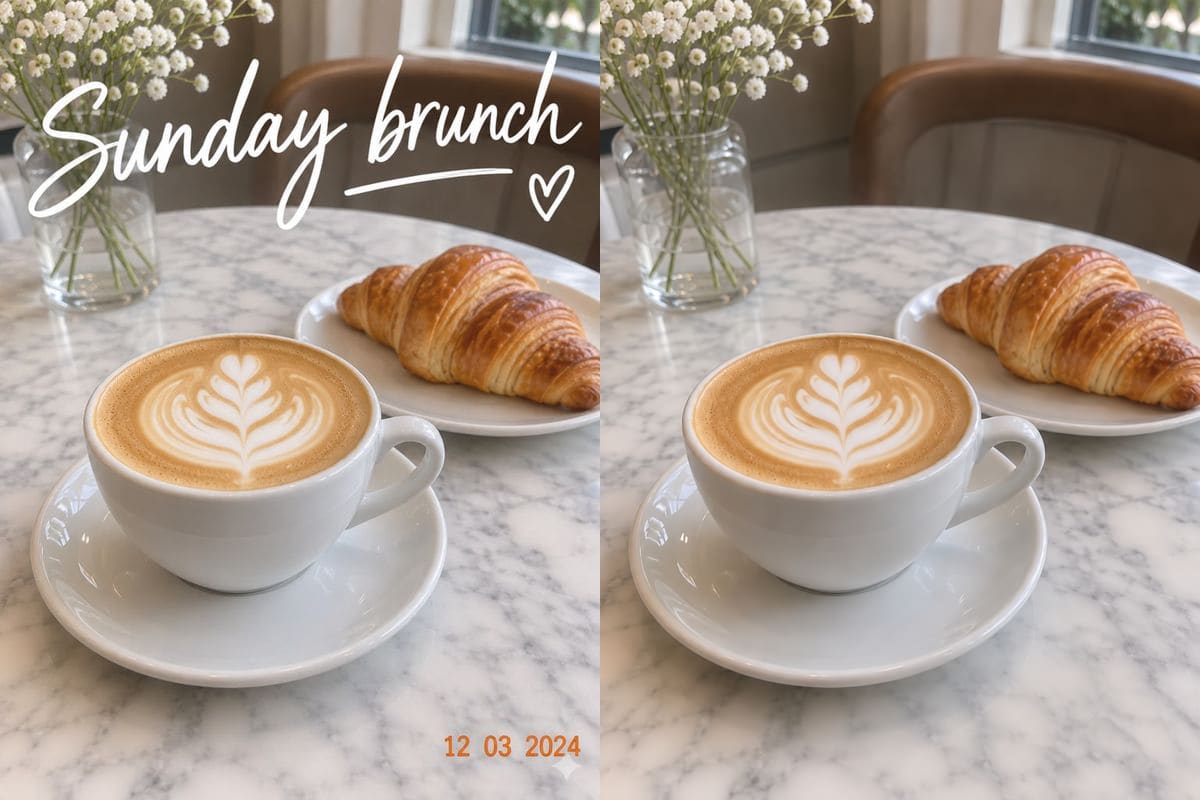 Remove text from imageRemove a caption, a date stamp or an overlay from your own picture by circling it or naming it, 5 credits a picture.
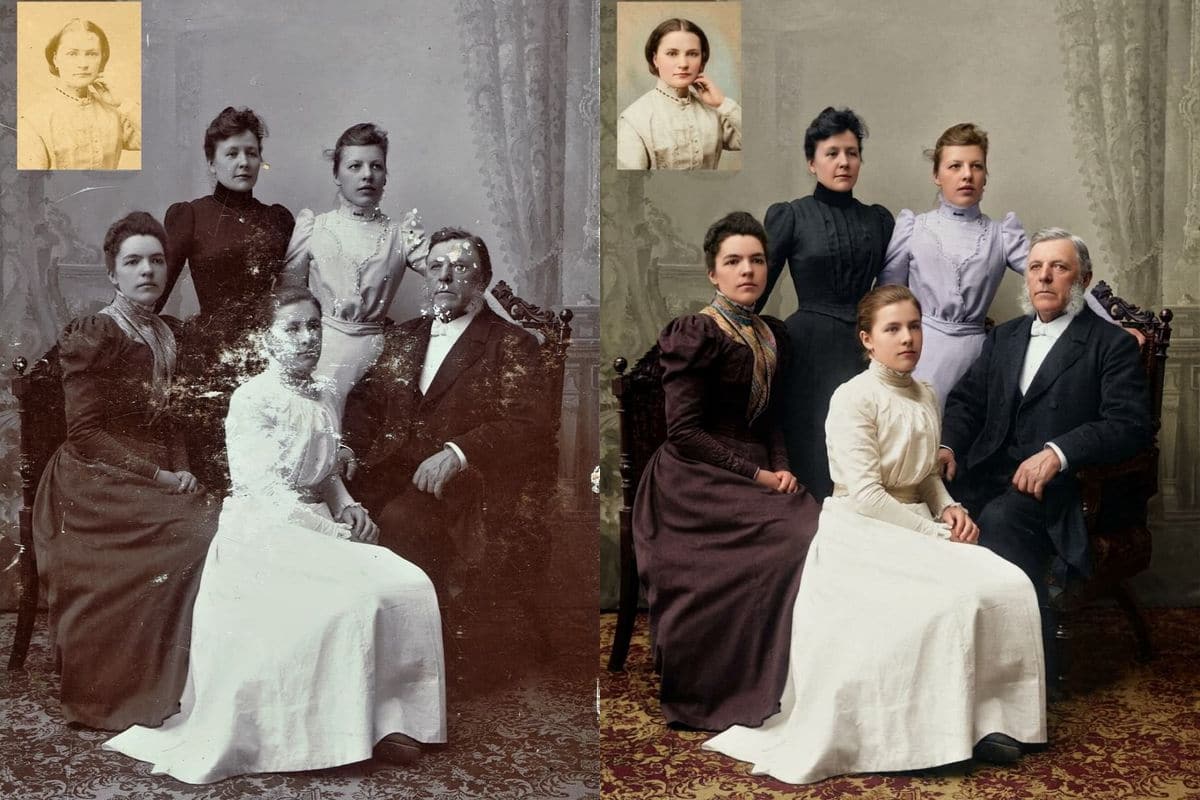 AI photo restorationRepair scratches, creases, stains and torn corners in an old photo, in colour or still black and white, 5 credits a photo.
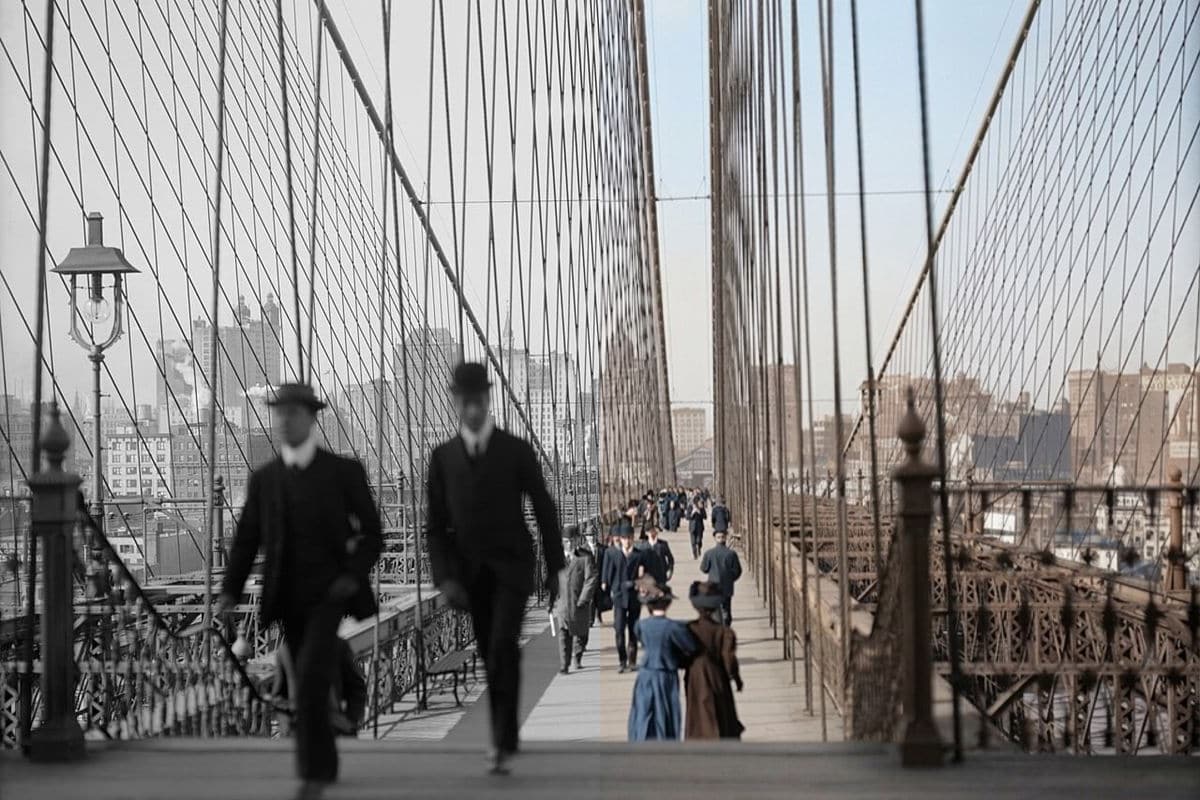 Colorize photoAdd natural colour to a black and white photo, keeping the faces and details, 5 credits a photo.
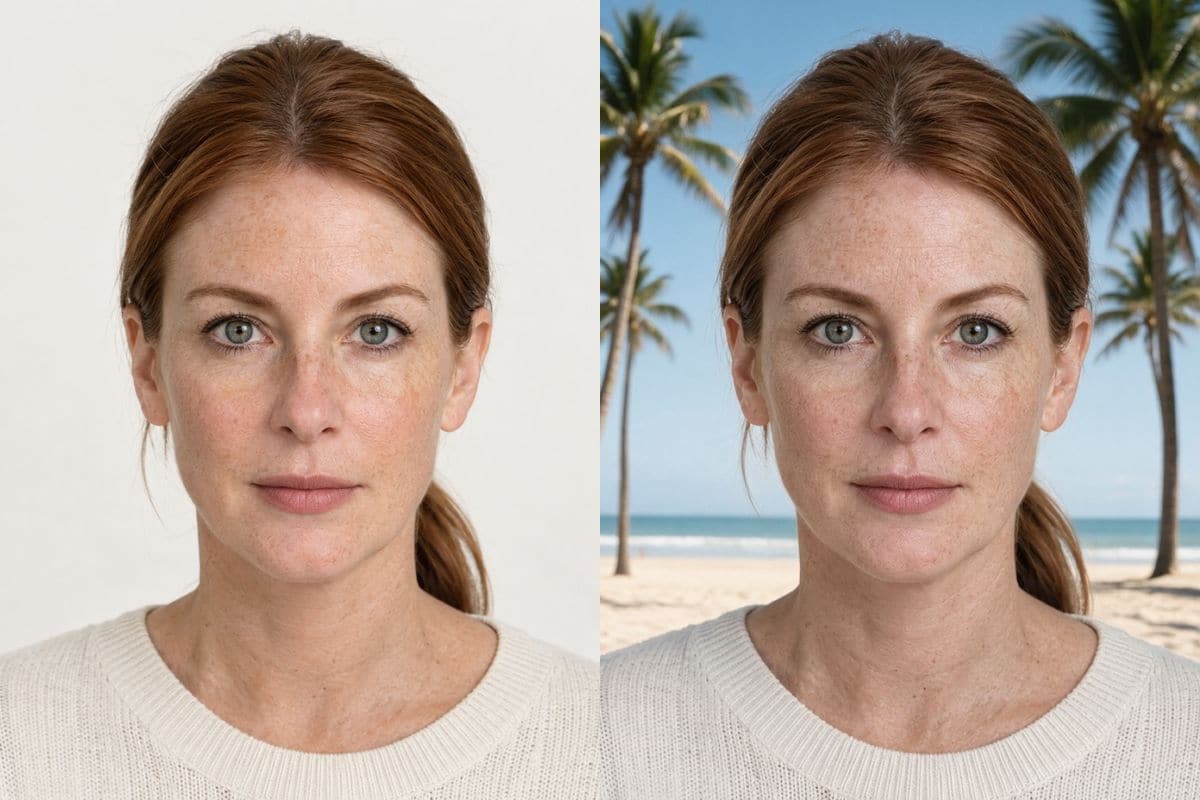
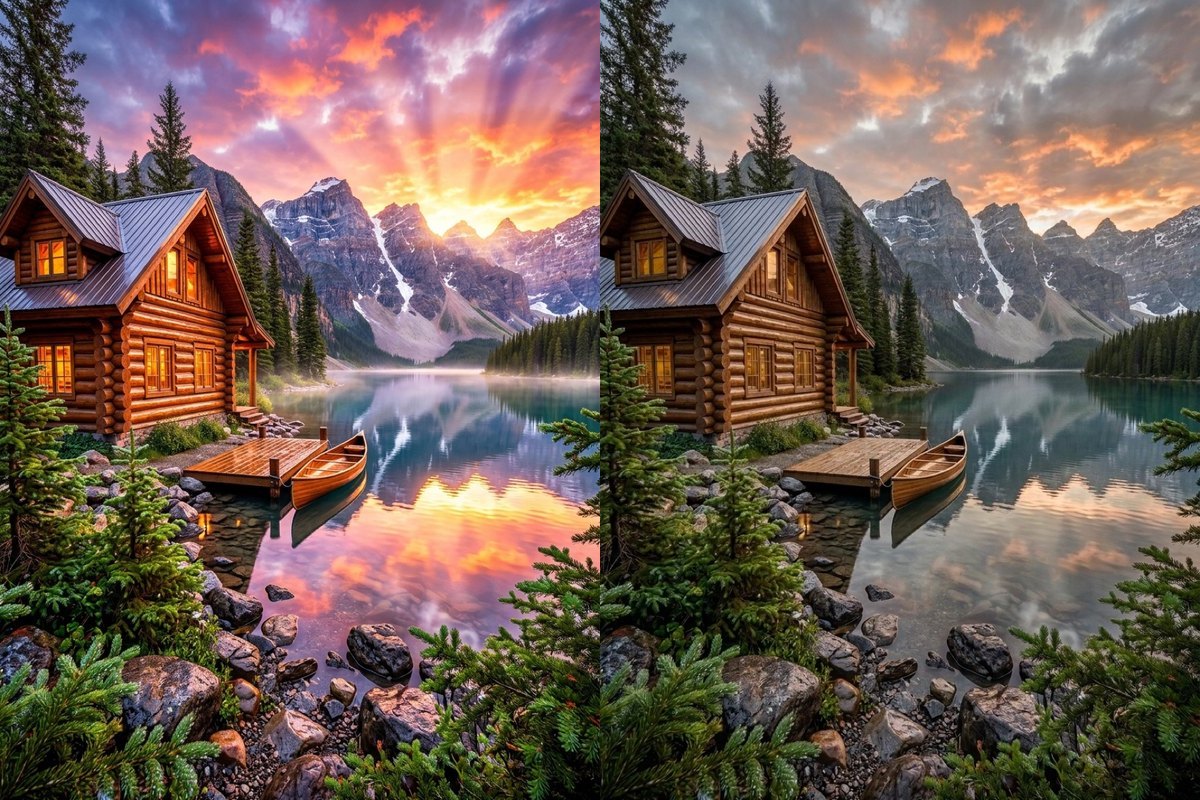 AI image humanizerTone down glossy, over-smoothed AI skin and HDR glow into natural camera texture, subtle pores, matte fabrics and believable daylight.
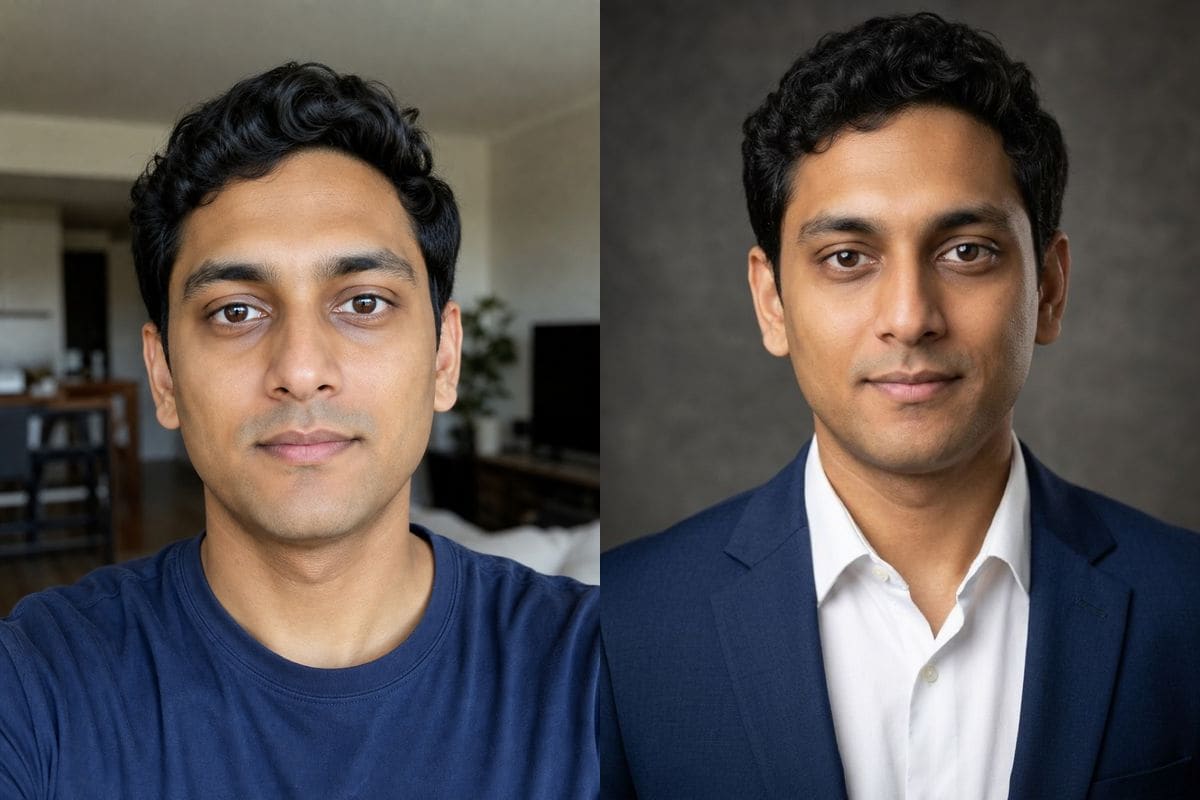 AI image editorEdit any photo by describing the change, with Nano Banana, GPT Image and Seedream in one editor, from 5 credits an image.
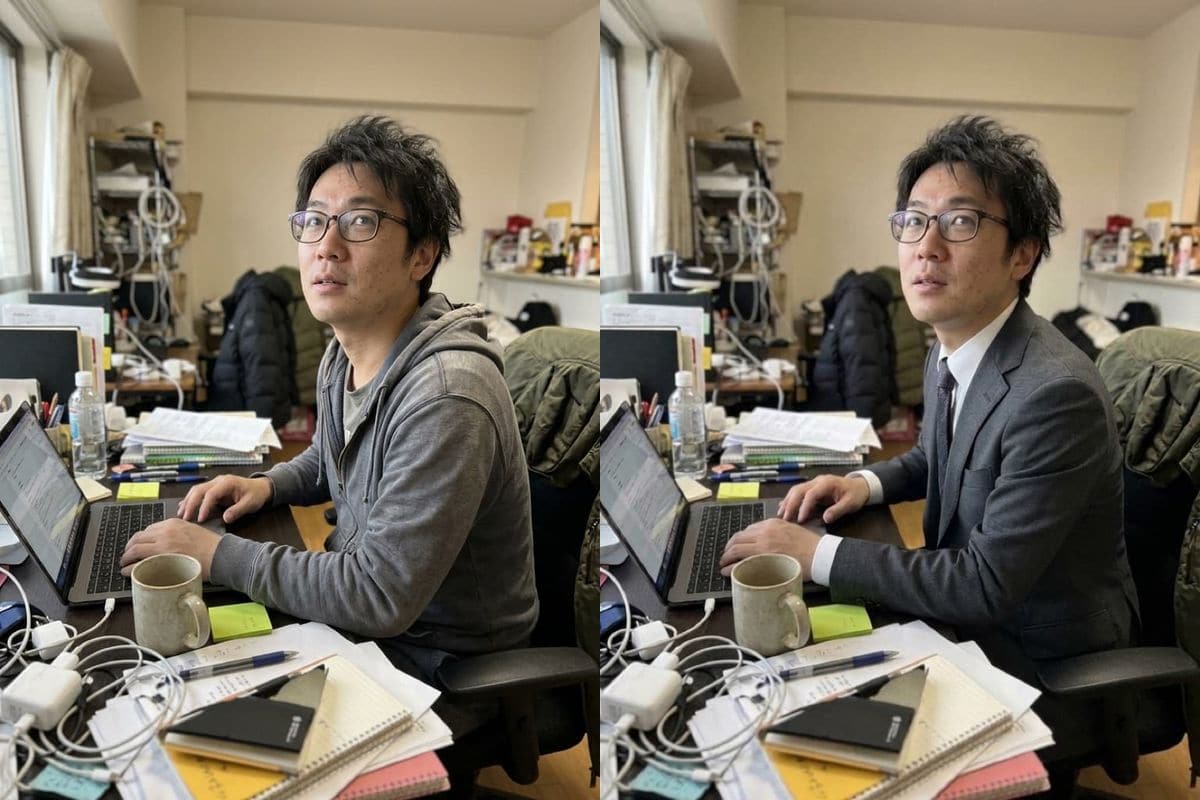 AI clothes changerPut the person in a photo into a suit, a dress, a leather jacket or an outfit you describe, keeping the face, hair and background, 5 credits a photo.
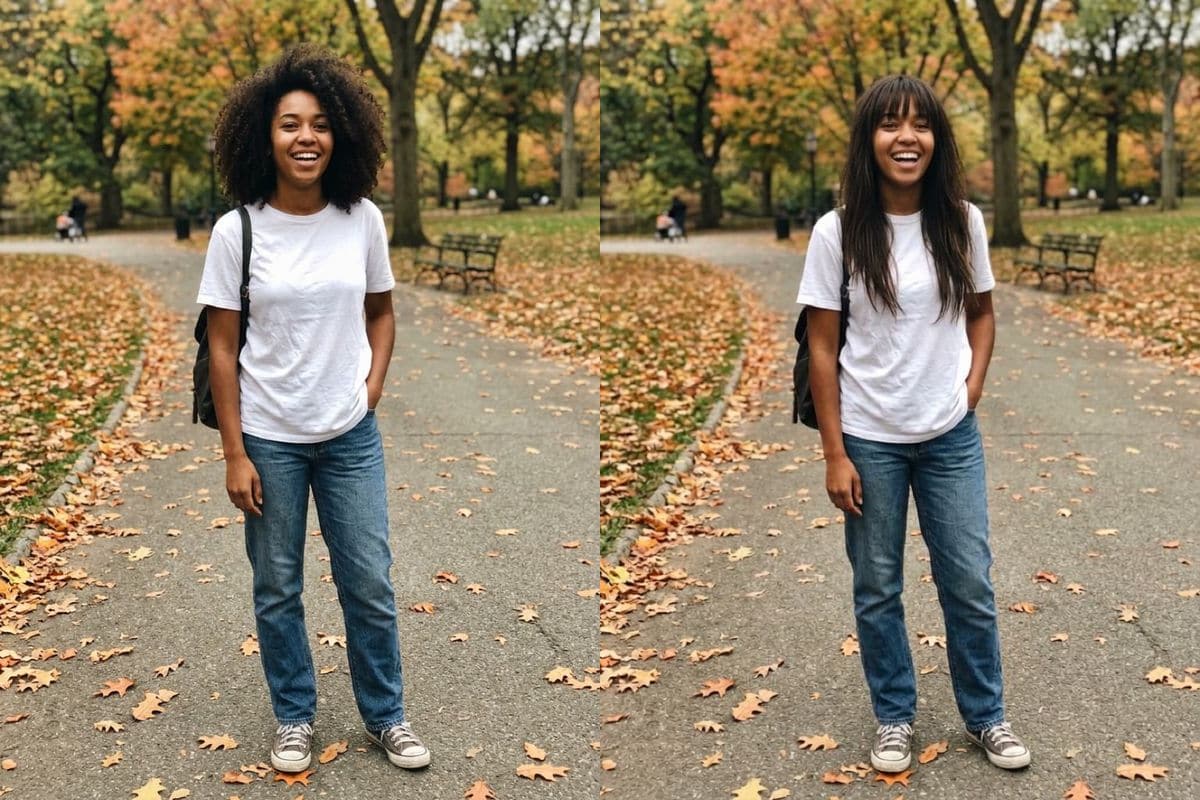 AI hairstyle changerTry a bob, a fade, long waves or a new hair colour on your own photo, keeping the face and background, 5 credits a photo.
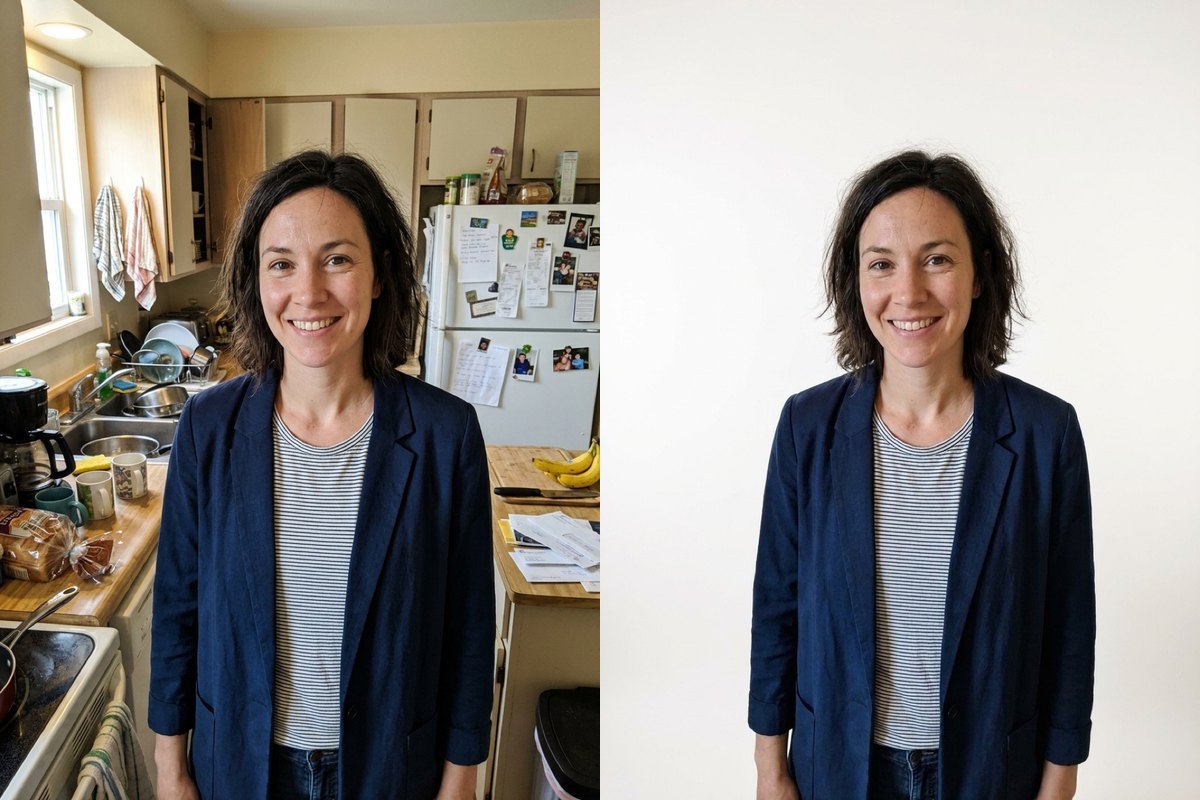 Change background of photoSwap cluttered rooms or home desks for a clean studio backdrop, sunlit office, beach or cozy cafe while keeping hair edges and lighting natural.
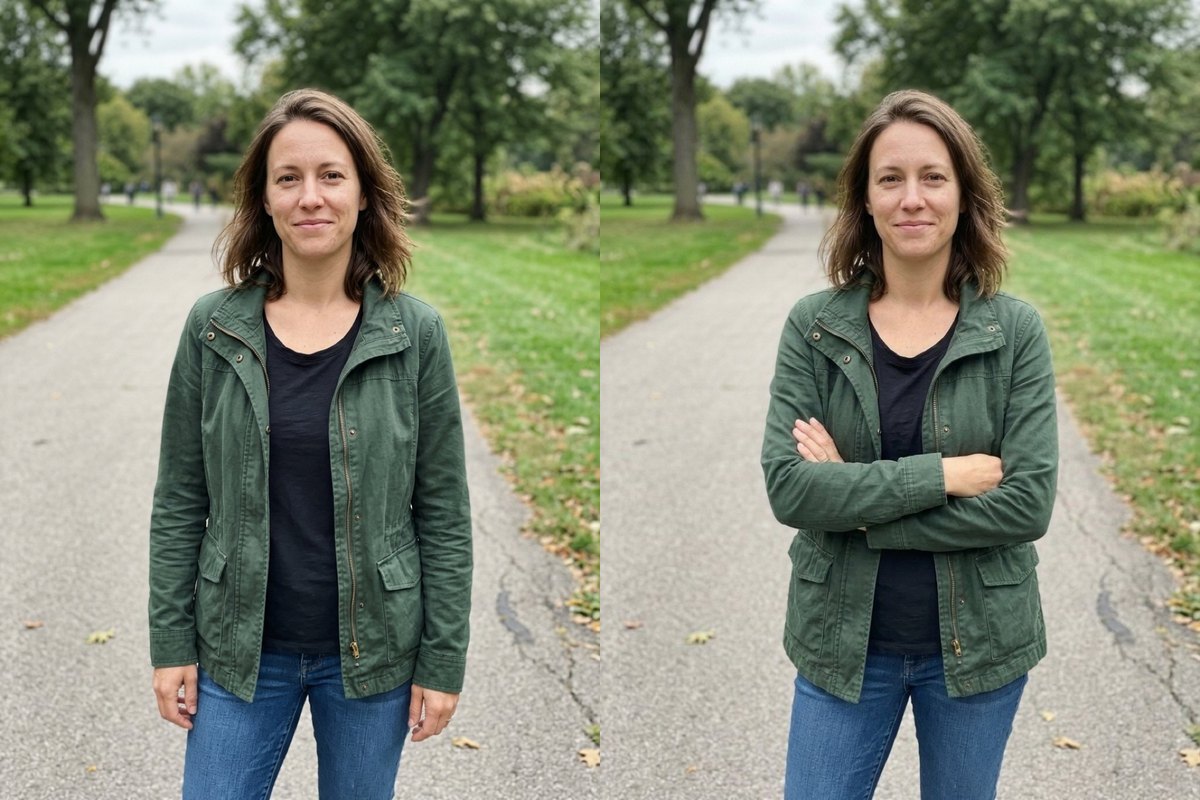 AI pose changerShift a person's arms, hands or posture into crossed arms, hands in pockets, a friendly wave, sitting relaxed or a custom stance while keeping face and clothes steady.
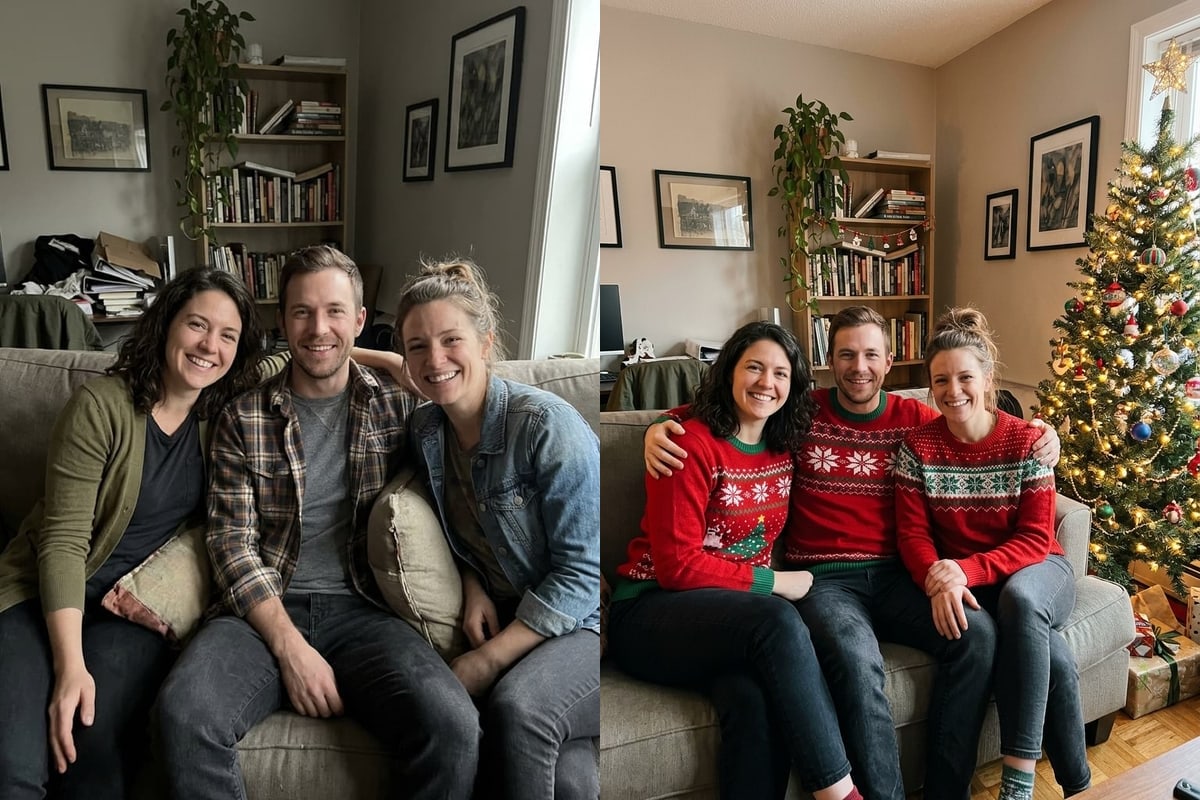 AI Christmas photoTurn a photo of family, friends or a pet into a Christmas photo with a tree and sweaters, Santa hats, a snowy street, a fireplace or snow, up to 5 photos, 5 credits.
 Add Santa to photoAdd Santa Claus to a photo of your room, front door or family in eight scenes, from a night-vision security camera shot to standing with everyone, 5 credits a photo.
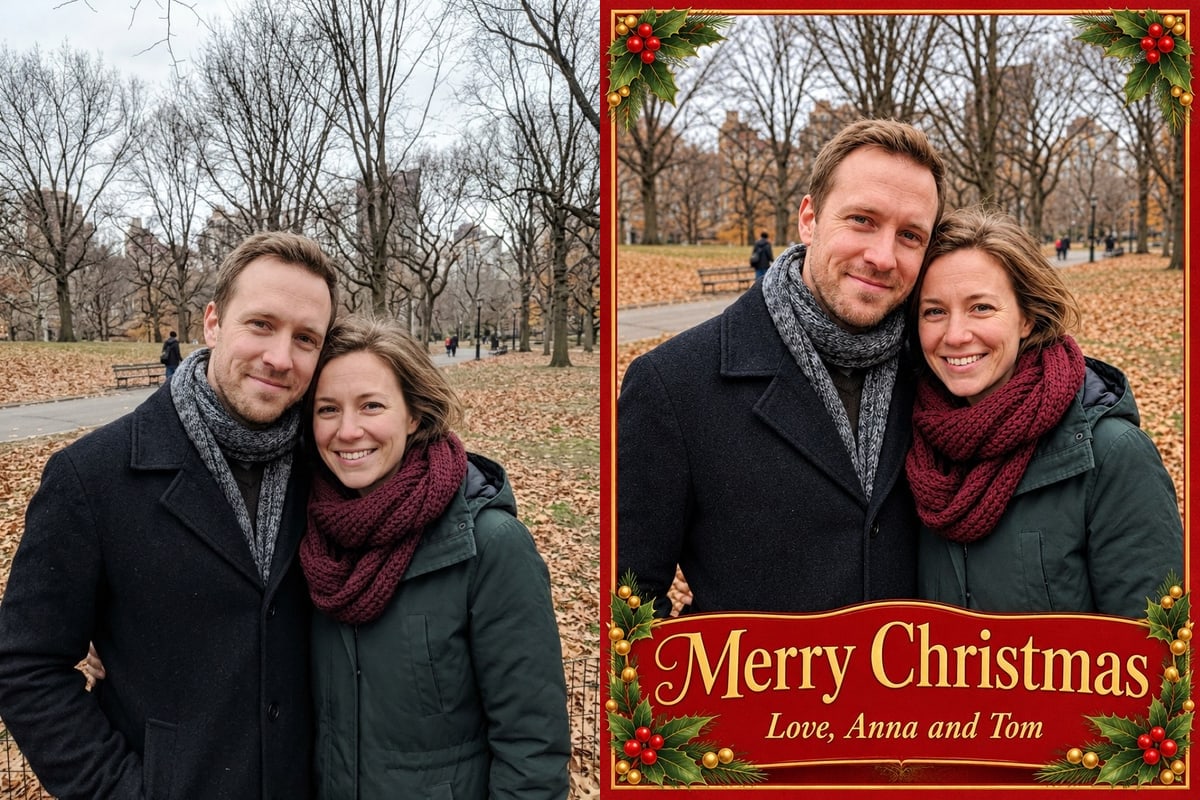 Christmas card from photoMake a Christmas card from a photo: choose one of six styles, add your greeting and names, and download a 3:4 card to share or print small, 5 credits a card.
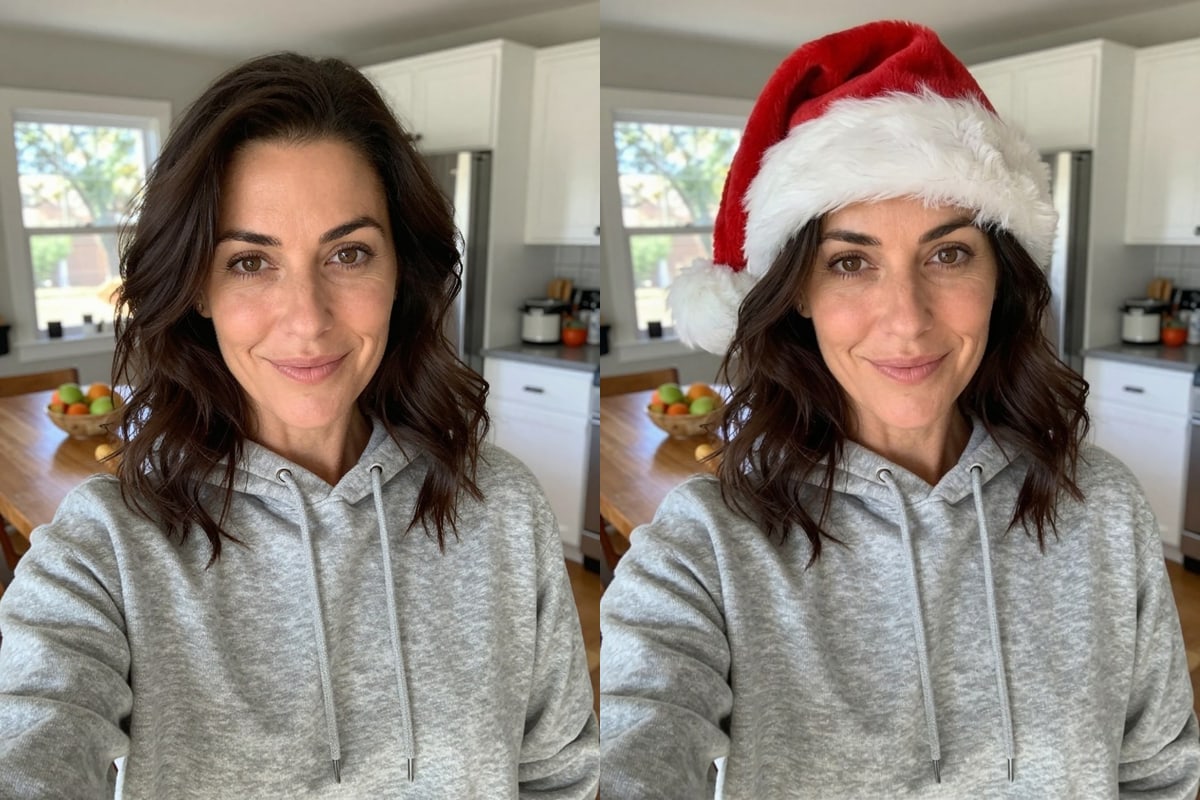 Add Santa hat to photoPut a Santa hat, reindeer antlers, an elf hat, a hat and scarf or a Santa beard on the people and pets in a photo while everything else stays the same, 5 credits a photo.
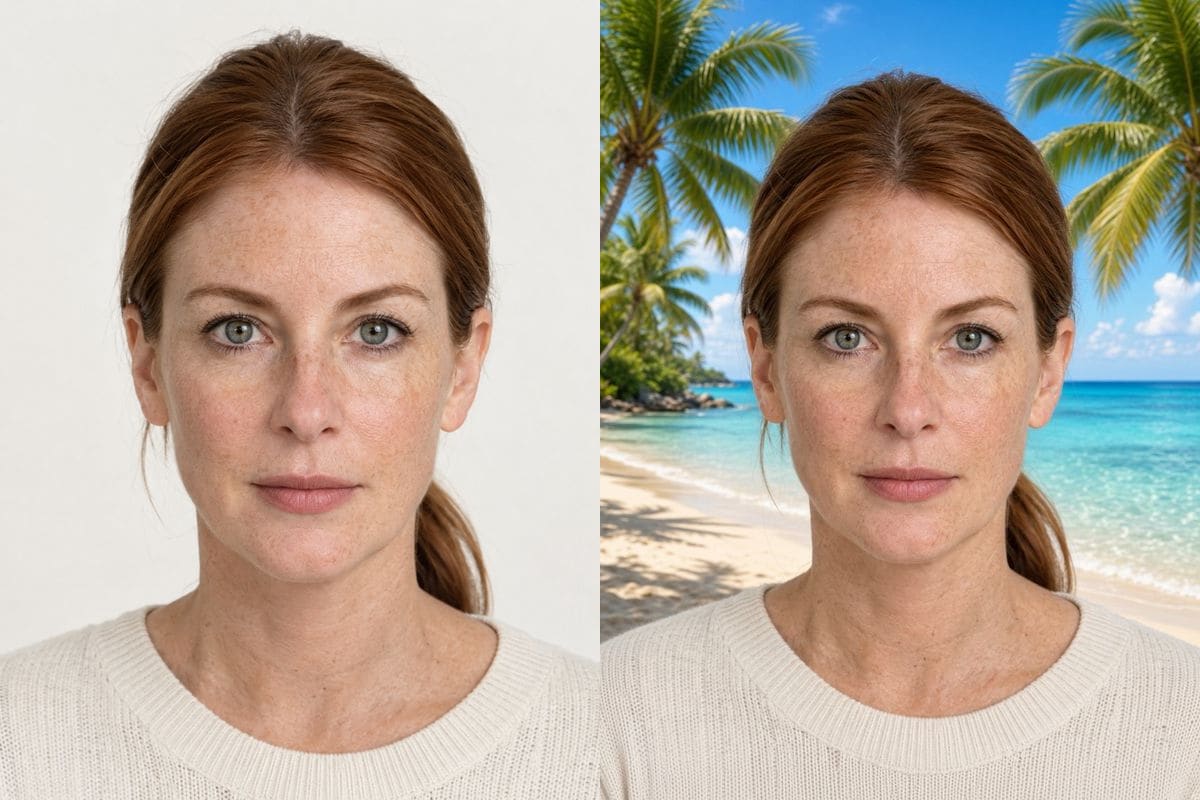 Grok ImagineCreate images and edit photos with Grok Imagine: fast, photographic, faces kept the same, 5 credits a run.
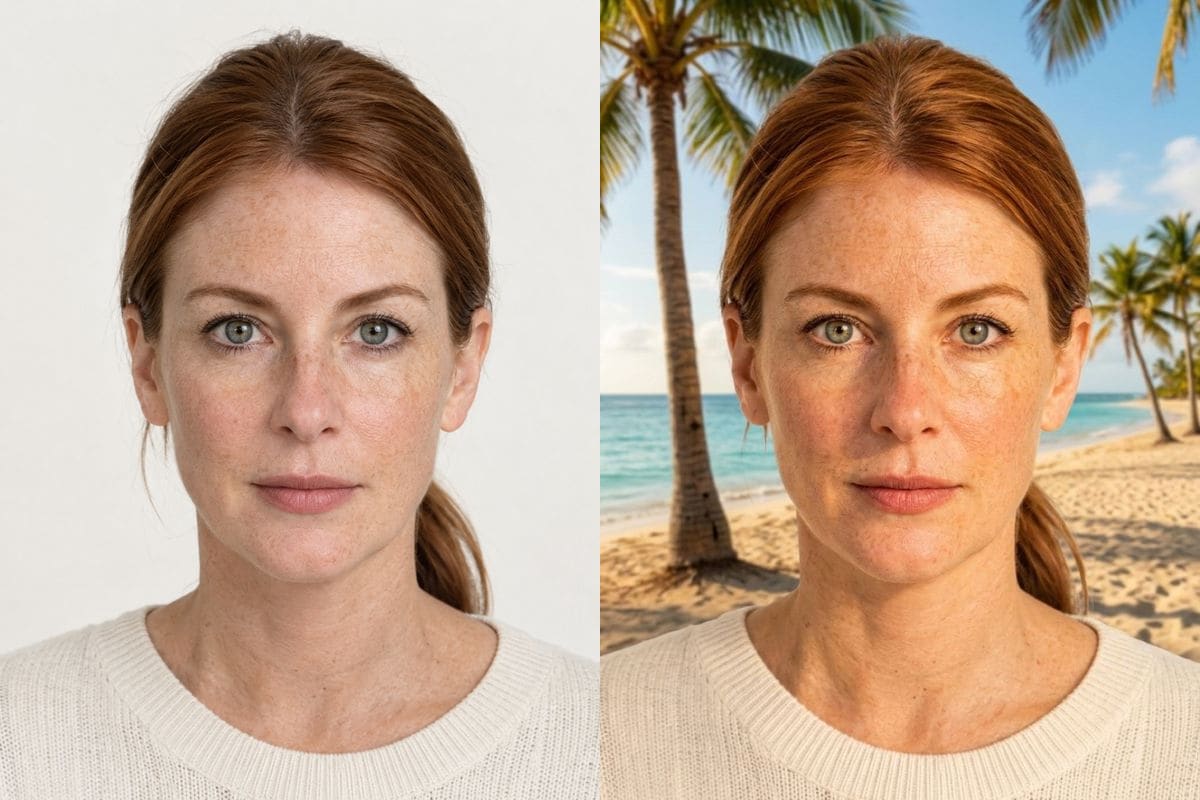 Nano Banana 2Edit photos and create images with Nano Banana 2: about 20 seconds an image, 16:9 and 21:9 sizes, 8 credits at 1K.
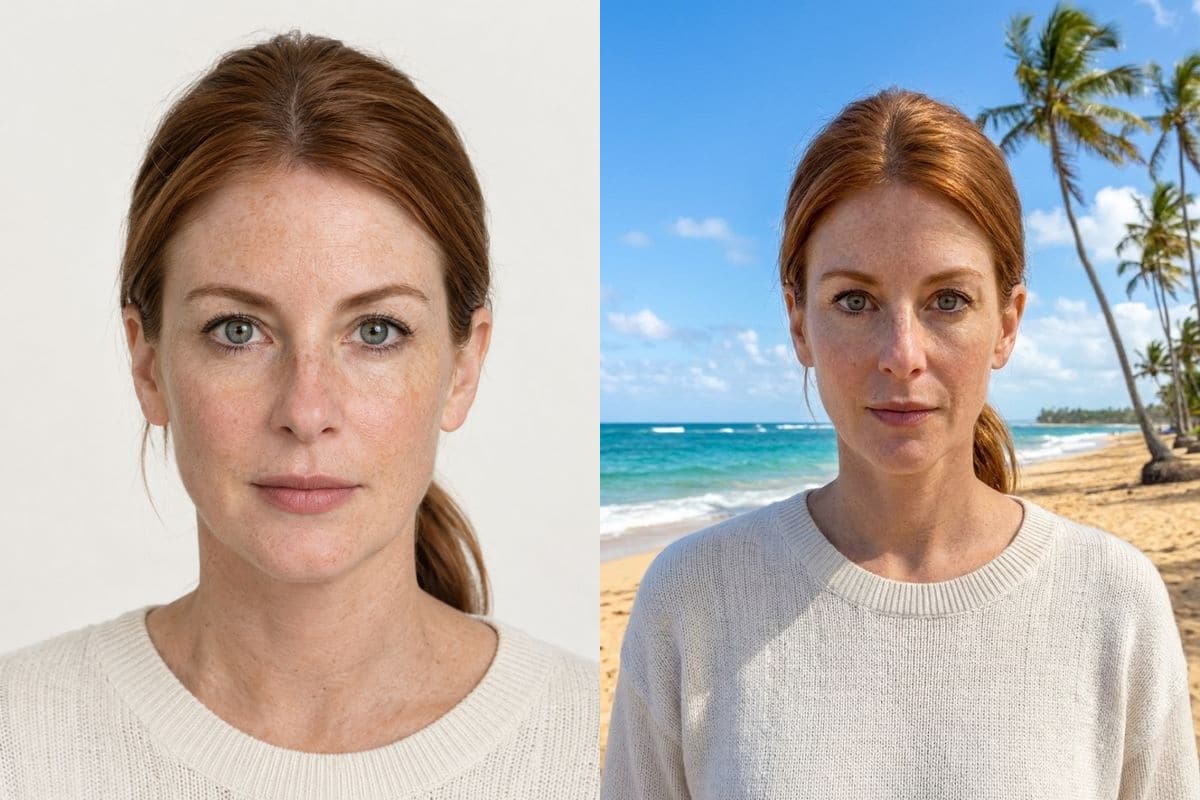 Nano Banana ProEdit photos and create images with Nano Banana Pro at up to 4K: faithful faces, about 30 seconds, 10 credits at 1K or 2K.
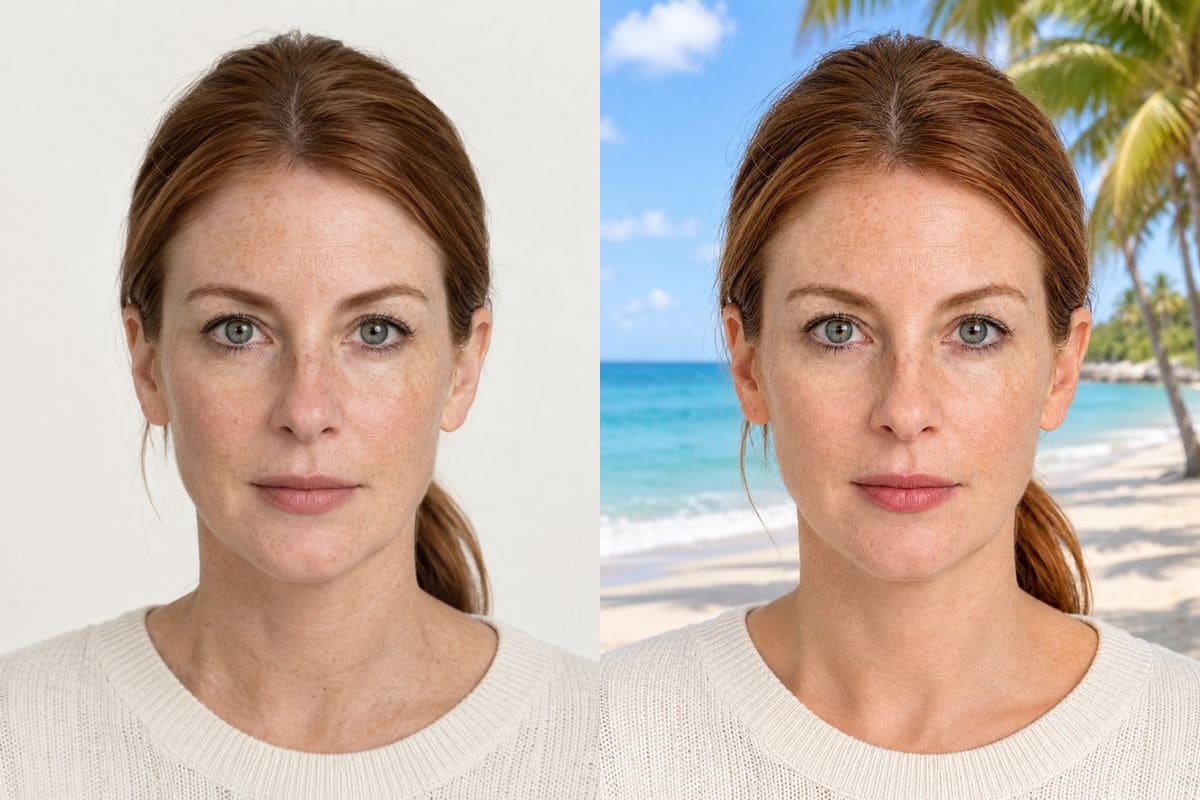 GPT Image 2Edit photos and create images with GPT Image 2: readable lettering and bold colour, about a minute, 8 credits at 1K.
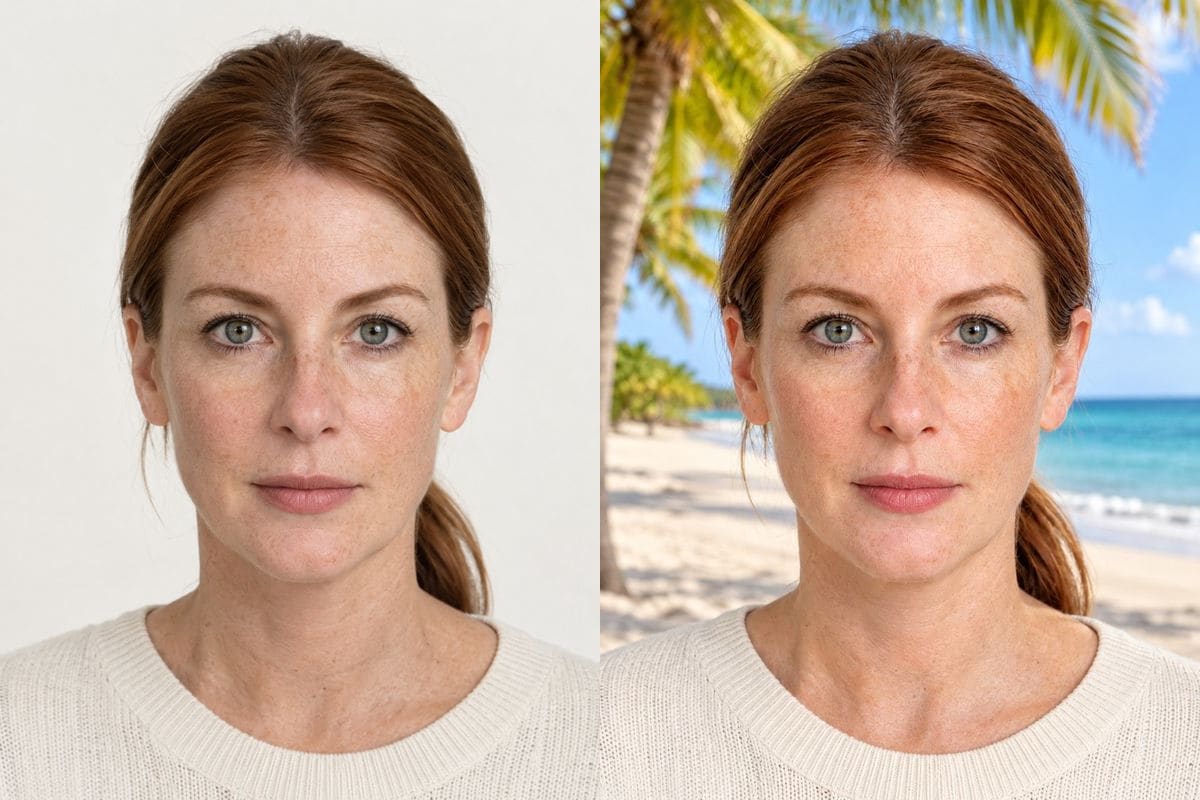 GPT Image 2.5Edit photos and create images with GPT Image 2.5: in-picture text, nine aspect ratios up to 21:9, 8 credits at 1K.
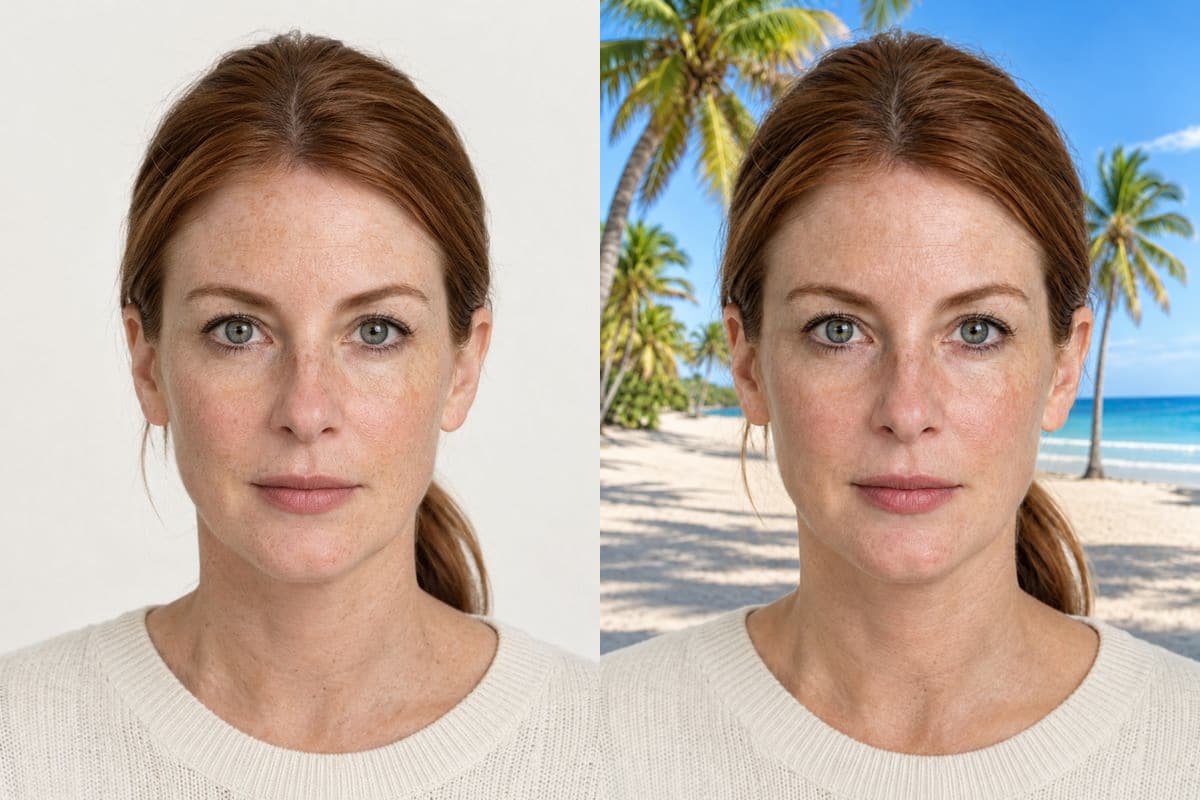 GPT Image 2.6Edit photos, make looping GIFs from a photo or a sentence, and create transparent PNGs with GPT Image 2.6: Flare and Sunburst, from 5 credits at 1K.
 Seedream 5.0Edit photos and create images with Seedream 5.0 Pro and Lite: faithful headshots and photo-like detail from 5 credits.
How the tools, credits and privacy rules work across the site.
Pick a focused tool if you want preset choices or Draw to edit: Remove tools run on GPT Image 2.6 Flare with circle-to-edit marks, while Restore, Colorize, Clothes, Hairstyle and Christmas tools fill in the prompt for you. Use AI image editor when you want to type any instruction or pick a specific model.
Yes. One account and one credit balance work across every tool and model page. Most standard 1K tool edits cost 5 credits; Nano Banana 2, Nano Banana Pro, GPT Image 2/2.5 and Seedream 5.0 Pro cost 8 to 15 credits depending on the model and size.
Failed images cost nothing. Credits are returned automatically when a generation fails or is blocked before returning a result.
Uploaded photos are stored under an unguessable address and deleted about 1 day after upload. Finished results stay in My images for 30 days and are never used to train models.