How to Make a Christmas Card From Your Photo With AI
Turn a family, couple or pet snapshot into a 3:4 holiday card in Classic, Watercolor, Modern or Vintage style with your greeting and names (5 credits).
On this page4 sections
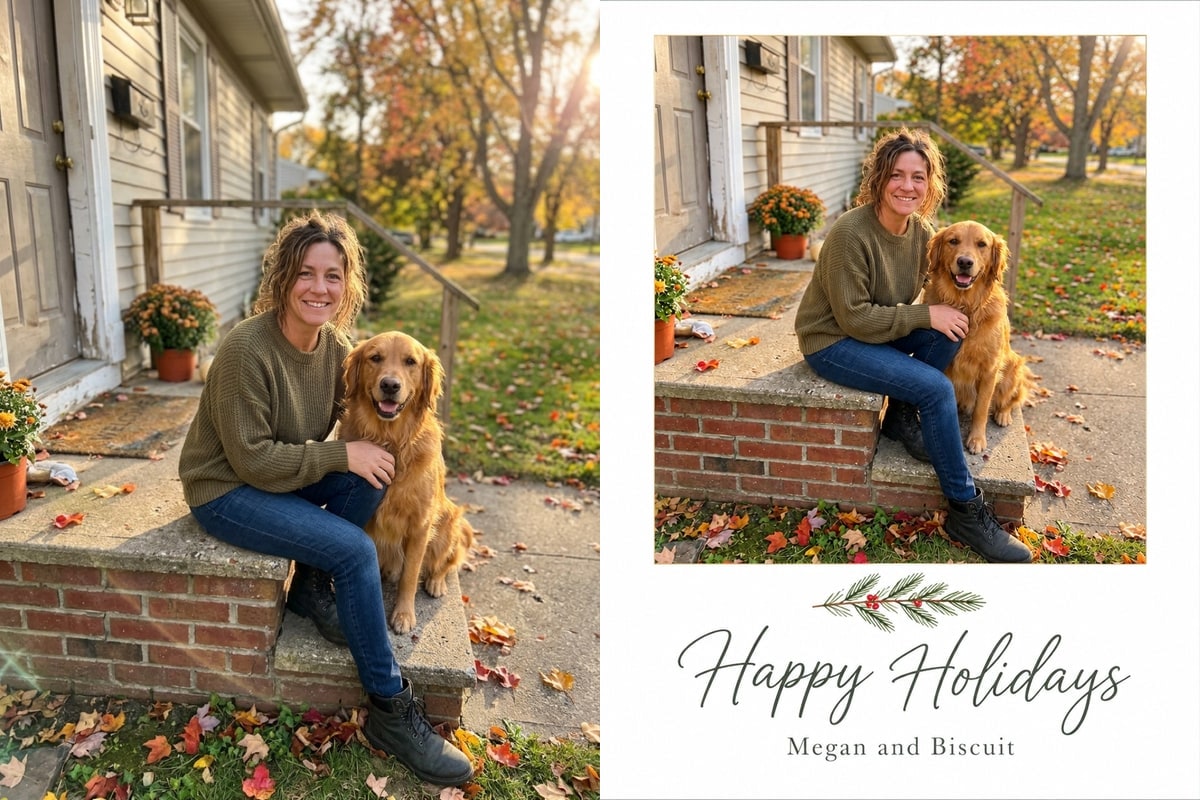
Upload one favourite photo to the AI Christmas Card Generator, pick Classic red and gold, Watercolor, Modern minimal or Vintage 1950s, type your greeting and signature names (up to 40 characters each), and generate a 3:4 portrait card in 20 to 33 seconds. Each card runs on GPT Image 2.6 Flare for 5 credits and downloads as an 880 x 1168 image, good to send or share and for small prints.
Traditional holiday card templates force every family snapshot into a rigid rectangular box where bright autumn leaves or mismatched backgrounds clash with the card border.
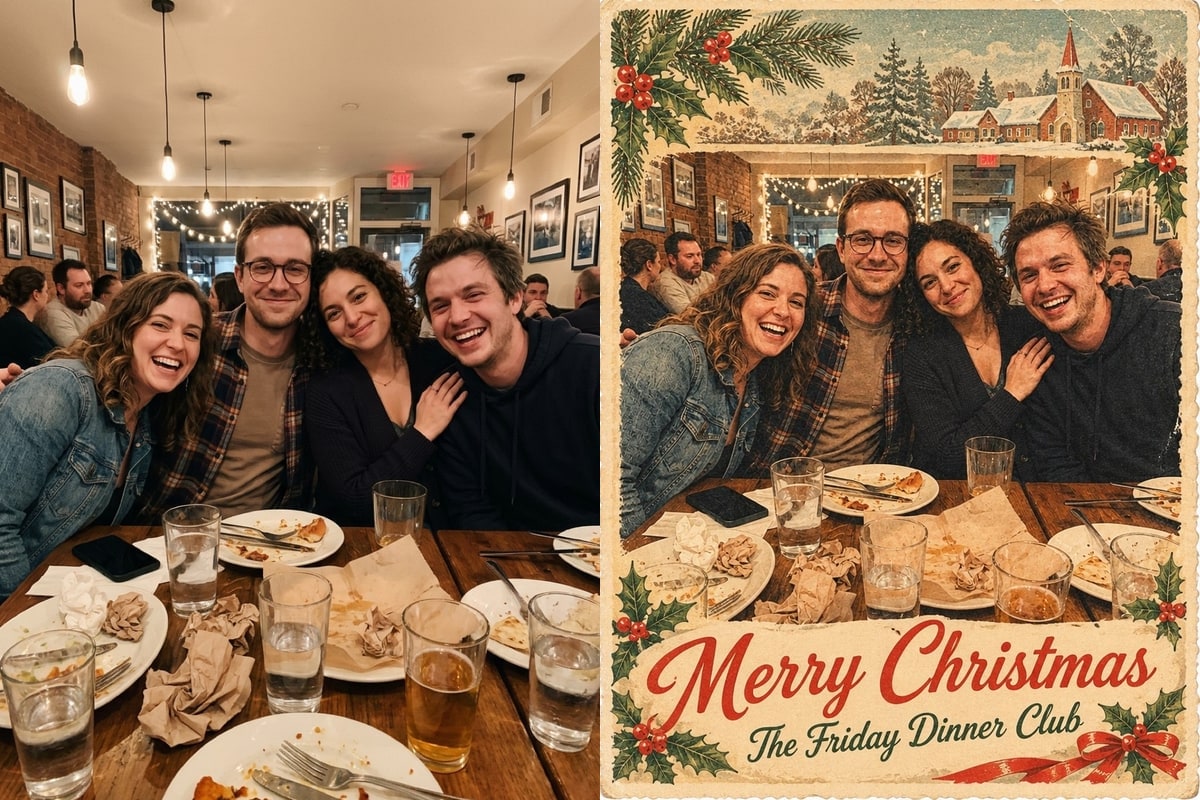
Because GPT Image 2.6 Flare treats both the illustration frame and your custom lettering as one continuous image, it can either keep your crisp photo inside a gold-trimmed frame or softly blend a living-room sofa into painted snowy pines.
1Four card styles and how they treat your background
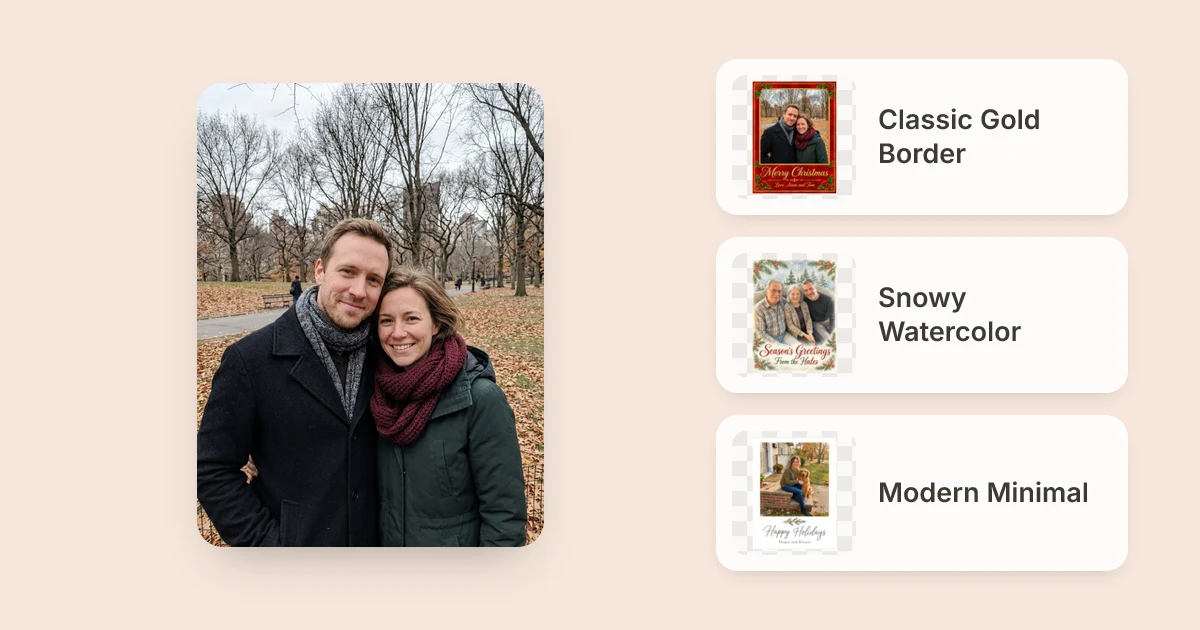
 Before: park couple photo
 After: Classic red and gold card
2Build and print your photo Christmas card in four steps
- Pick a photoUpload a clear JPG, PNG or WebP (up to 20 MB); waist-up portraits fit 3:4 frames cleanly.
- Choose a styleSelect Classic red and gold, Watercolor, Modern minimal or Vintage 1950s.
- Enter greeting & namesType a short greeting and signature line (max 40 characters each).
- Proofread & printCheck spelling letter-by-letter before downloading your digital file to print or send.
3Comparing the four card designs from our tests
| Card Style | Measured Time | Original Room / Sky | Lettering Placement |
|---|---|---|---|
| Classic red and gold | 33 s | Kept cleanly inside border | Gold script on crimson footer |
| Snowy watercolor | 20 s | Painted over with pine forest | Red script over snowy bottom edge |
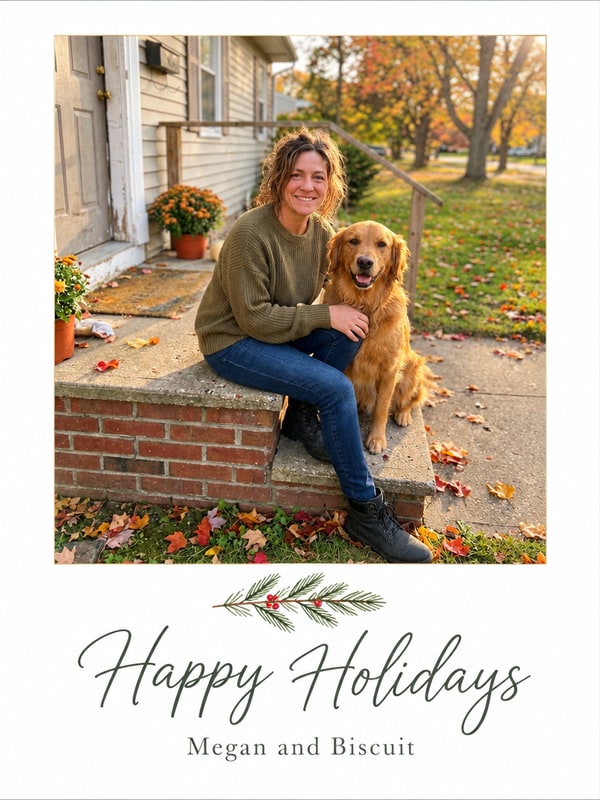
| Modern minimal | 29 s | Kept untouched above margin | Black cursive under small sprig |
| Vintage 1950s | 28 s | Framed under painted village | Bold red headline and vintage name line |
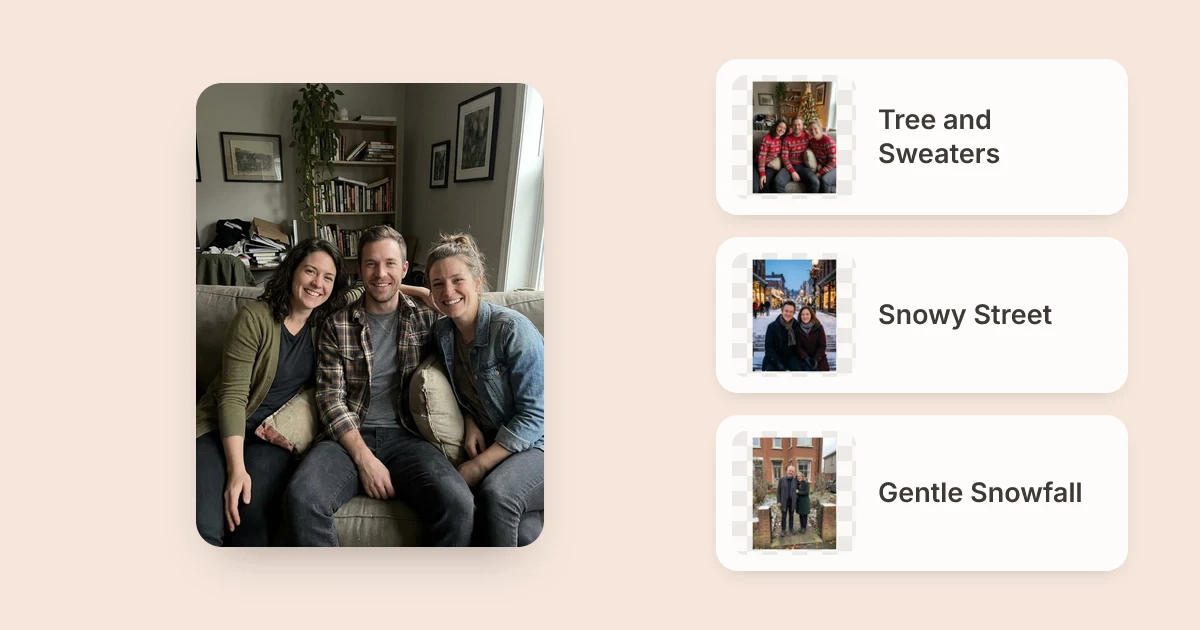
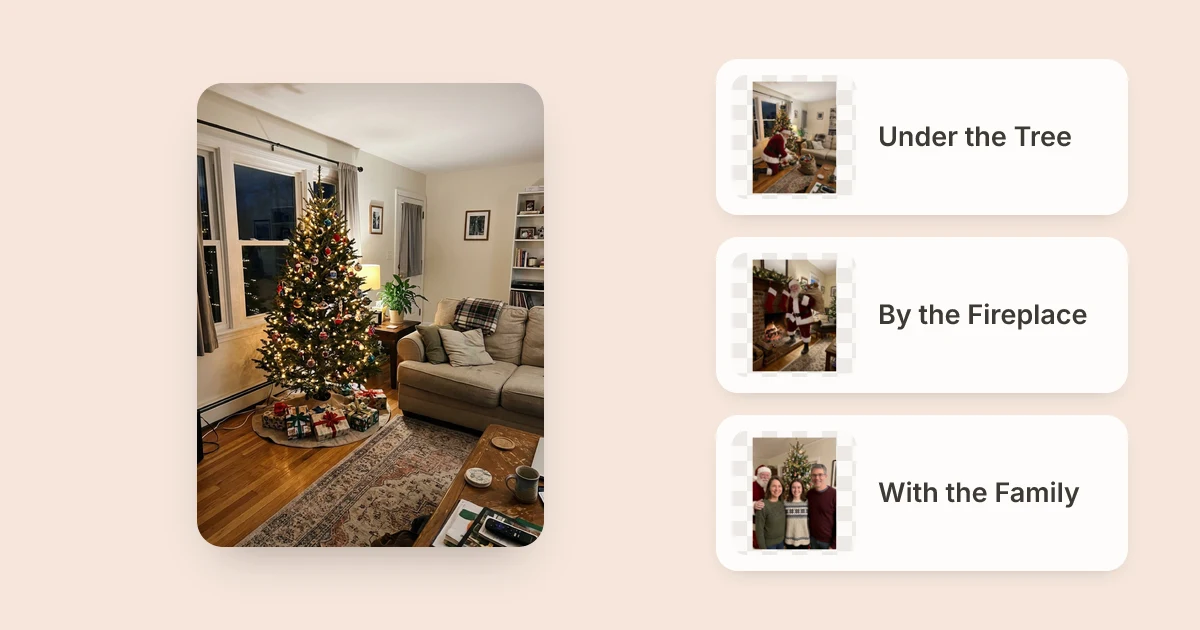
Want your photo to look more festive before turning it into a card? Add matching sweaters, Santa hats or gentle snow first in AI Christmas Photo, or bring Santa directly beside your tree with Add Santa to Photo. See also Family Christmas photo ideas for tips on pairing indoor and outdoor portraits.
Greeting and Signed by under 40 characters (default Merry Christmas) so lettering stays crisp and readable.Turn any family, couple or pet snapshot into an 880 x 1168 Christmas card to share online or use for small prints with GPT Image 2.6 Flare - new accounts start with 5 free credits.
FAQ
Does AI Photo Editor print and mail physical Christmas cards?
No.
The generator produces an 880 x 1168 digital image file (3:4 at 1K), good to text, email, share on social feeds or use for small prints at home or a local print shop.
Will the AI always spell our names right on the card?
GPT Image 2.6 Flare spelled every greeting and signature accurately across all four of our test cards (Love, Anna and Tom, From the Hales, Megan and Biscuit, The Friday Dinner Club), yet AI-rendered typography can still slip on unusual names or punctuation.
Always zoom in and proofread both lines before ordering prints.
Can I make a festive photo first and then wrap it as a card?
Yes.
Generate a winter look in /ai-christmas-photo or place Santa by your tree on /add-santa-to-photo, click Edit this result or download the image from My images, and upload it into /ai-christmas-card-generator.
How long does generating a Christmas card take?
All four test cards ran in 20 to 33 seconds on GPT Image 2.6 Flare at 1K 3:4 quality. Failed runs cost nothing (the credits come back).
How much does each card cost?
5 credits per card on GPT Image 2.6 Flare (1K, 3:4).
New users receive 5 free credits when signing up without a card, and one-time credit packs start at $4.99 for 150 credits (never expiring).